- Release Date: 09-Dec-2021
- Two “Read” methods added:
- SMS.ReadSMS() – read text format SMS
- SMS.ReadSMSText() – read PDU format SMS
- Supports MOBITEK® Q25 4G Modem
 Loading...
Existing customers of MobiGATE with valid warranty period or with valid annual support programme could download version 3.17 from here …
If you wish to subscribe to annual support programme for your MobiGATE, please contact us.
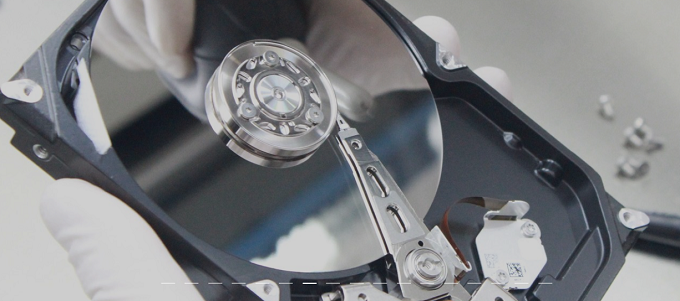
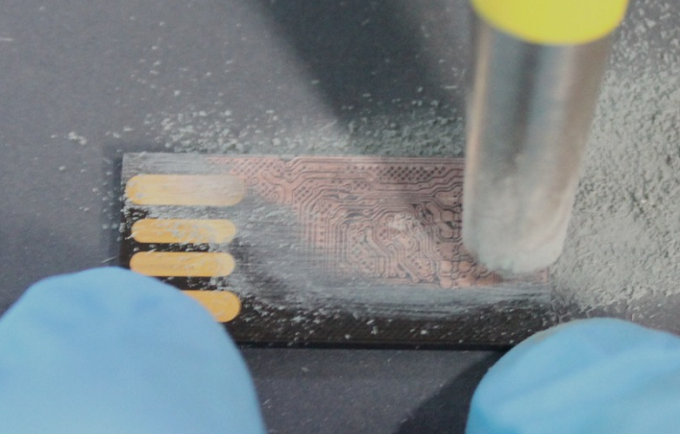
Are you experiencing data loss caused by:-
MOBITEK can offer data recovery service using South Korea expertise and technology, your data inside these medium can be recovered:-
Please write to us for more information.
GSM modems are used in various industries. Different modem manufacturers implement different AT commands, therefore systems or applications cannot easily switch modem from 1 manufacturer to another.
We are pleased to inform you that we are able to supply GSM Modem from these manufacturers / brands:-
Please contact us for further information.
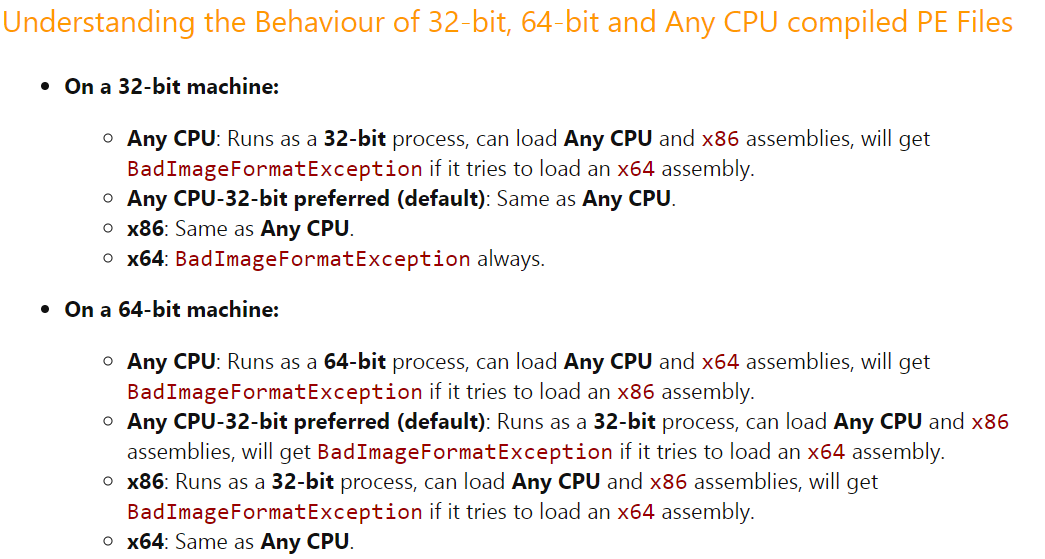
If you compile as x86, then the x64 system will run your application in WoW64, and you’ll be able to load 32-bit DLL files.
So I think you should choose “Any CPU” if your dependencies can run in either environment, but choose x86 if you have 32-bit dependencies. This article from Microsoft explains this a bit:
One of our clients who is running a traditional business dealing in plastic products has been shut down since MCO 3.0.
We have proposed to our client to transform their business to e-commerce as it is classified as essential service since MC0 1.0
We took 2 weeks to set-up a e-commerce store. We submitted for our client a new application to operate business under “E-Dagang” in CIMS 3.0 (https://notification.miti.gov.my) on 5-July-2021.
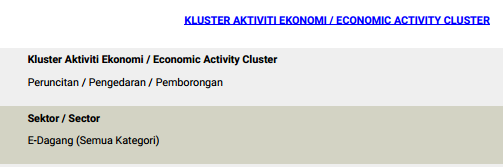
In “Jawatan”, we propose our client to appoint someone as “Head of E-Commerce”.
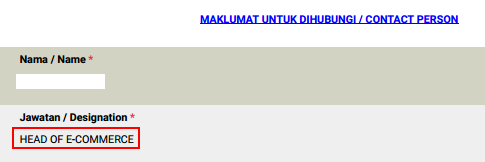
In the “Laman Web”, we entered the URL of the e-commerce store.

On 14-July-2021, our client has received MITI approval letter to operate e-commerce.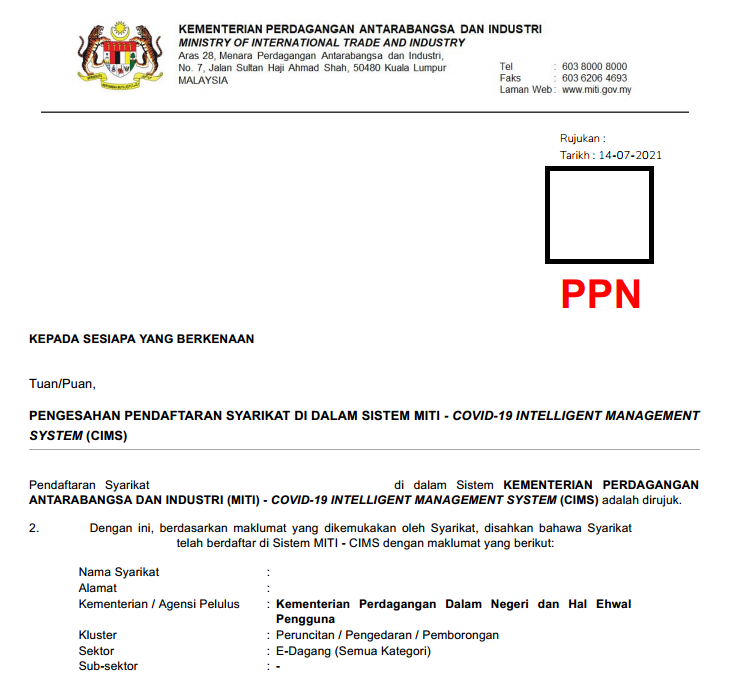
Our client has resumed business in e-commerce mode.
If there is no response from MITI, follow-up with KPDNHEP via e-mail e-aduan@kpdnhep.gov.my
Use My.Application.Info.Version.ToString
Source:
Problem: when importing from csv or ods file, the date imported into MySQL Database Server is messed up, e.g. DD-MM-YYYY in csv or ods file when imported into does not show correctly as dd-mm-yy.
Cause: MySQL Database Server only accepts date format as YYYY-MM-DD, it will not convert DD-MM-YY to YYYY-MM-DD . Refer to https://dev.mysql.com/doc/refman/8.0/en/datetime.html
Solution: a quick solution is to format the date in as csv or ods file as YYYY-MM-DD before import.

 Reload document
  Open in new tab