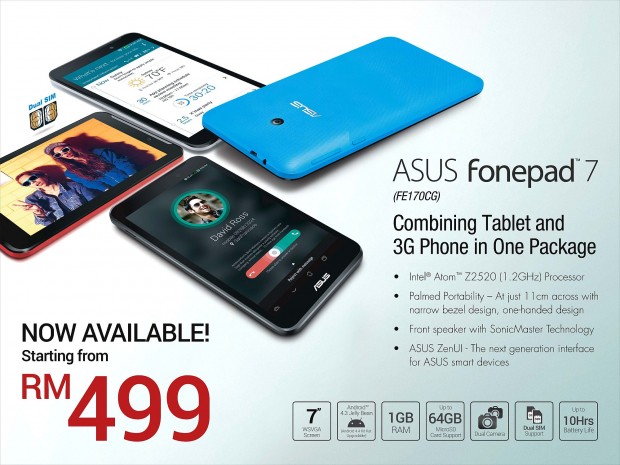
Asus Fonepad 7 (FE170CG)
Subscribe to Annual Support Programme and get Asus Fone Pad 7 (worth RM499) for free! (subject to the terms and conditions mentioned below)
Asus Fonepad 7 (FE170CG)
Subscribe to Annual Support Programme and get Asus Fone Pad 7 (worth RM499) for free! (subject to the terms and conditions mentioned below)
No. You cannot use MOBITEK SMS Gateway Development Kit with Type E Modem.
We are selling you the modem and not the licence of SMS Gateway Development Kit.
Should you wish to use the SMS Gateway Development Kit, then you must use Type SGDK Modem.
I have a device monitoring application running in Redhat Server and only able to send out notification via SMTP, but I need the SMTP message to be converted to the SMS and send to list of the mobile phone. I found your product online, could you please let me know whether your product can solve my problem and what is the investment cost.
The solution — MOBITEK Q24 SMS MODEM with e-mail to SMS converter
For more information, refer to the guide — http://www.mobitek.com.my/Push_e-mail/Push_e-Mail_Guide.pdf
Version 9.2 (beta)
Voice.AnswerCall()
Voice.CheckCall()
Voice.End()
Voice.MakeCall()
Voice.CallerID
Last updated on 2015-01-29

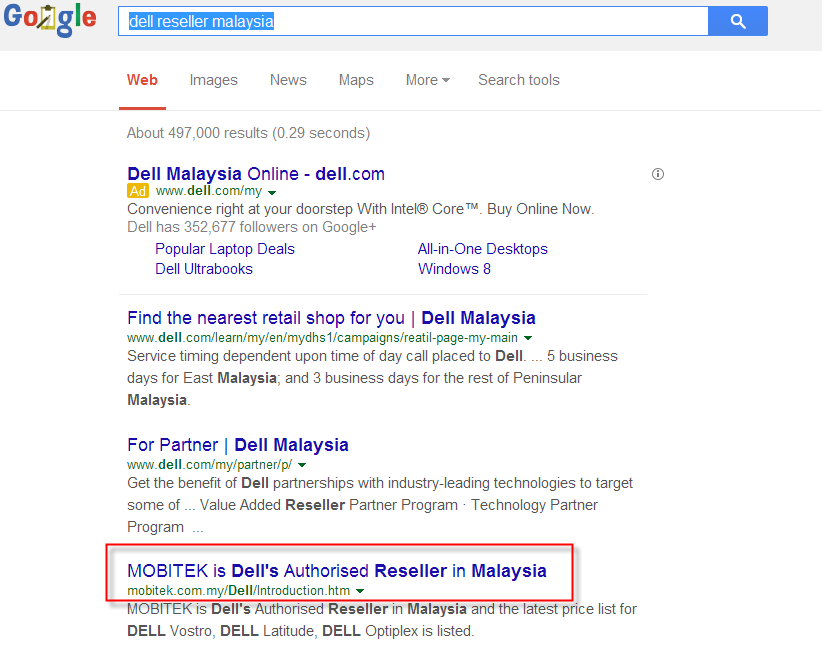
www.lazada.com.my is not a Dell Authorized ResellerDell offers and promotions etc. are not applicable for products sold by unauthorized resellers.Representations, benefits and other entitles offered by unauthorized resellers will not be honored by Dell.
It is important to note that purchases from an unauthorized reseller may exclude you from Dell warranty, service and support. Dell shall not be liable in any manner with respect to requests being declined.
Exclusive offers, entitlements and other benefits for Dell products are available on purchases made on Dell Authorized Reseller.

Warning from Dell
For more information about Dell, please visit our Dell web site.
I am developing on the INGENICO point of sale Terminal in C. I what to be able to access and read the SIMCARD STK MENU on the terminal device how can this be acheived with you device.
You can access and read STK menu using our MOBITEK Q24 STK MODEM like this:-
MOBITEK Q24 STK MODEM -> SIM card -> STK Menu
but you cannot do so like this:-
MOBITEK Q24 STK MODEM -> INGENICO point of sale Terminal -> SIM card -> STK Menu
MOBITEK® SMS360 — e-mail Edition, version 5 is released. It will be bundled with MOBITEK® SMS360 — Basic Edition and included in the CD.
ISO File Name: SMS360 Basic Edition v. 4 and e-Mail Edition v. 5 for 1 modem_2015-01-15.iso
For more information on:-
I’m looking for a tool that compiles a message, written in STKML or SATML or anything similar into a SAT PUSH message. The output must be an hexadecimal string to be sent via SMPP or Modem as GSM 8bit 140 bytes SMS.
Note: SAT PUSH as described in SIM ALLIANCE S@T 1.23 “Sat Push commands” specification.
If you plan to bypass the STK menu and proceed to the last step by using “SAT push”, then no, we do not have this solution.
However, if you plan to follow through the STK menu from 1st menu until the last menu/step where the STK will push out a message, then yes. Our MOBITEK® STK API can do it.
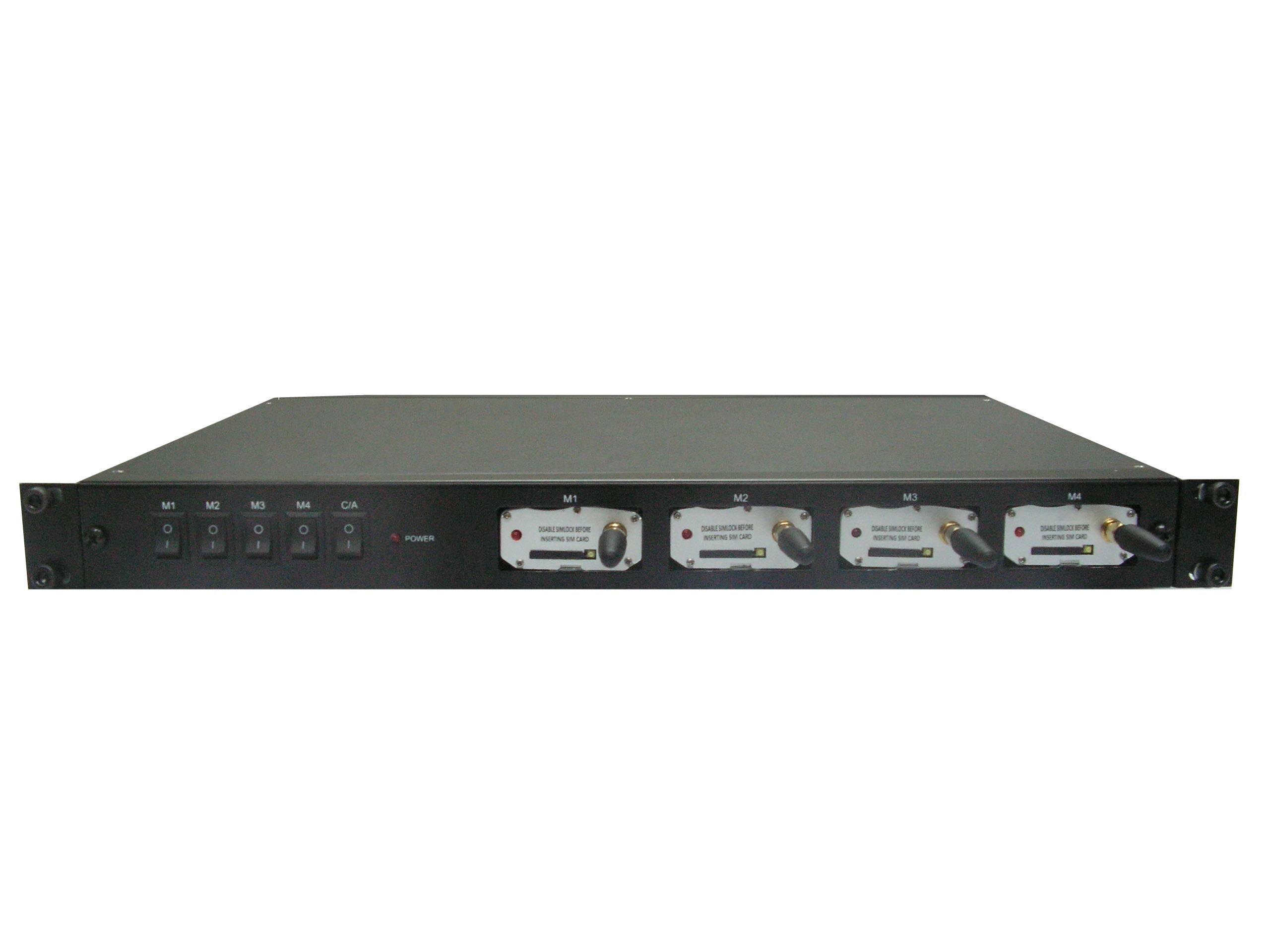
Basically, there are 4 units MOBITEK® Q24 STK MODEM inside and each of them is assigned to an IP address:-
On PC side, you will need to install a virtual com port driver that will map com port to the IP address, e.g.:-
Then your Reload System/Software communicates with the COM port number, e.g.:-
Or if you are using multi-threading, then