Question :
Do you sell SMS Gateway Development Kit separately from the GSM modem?
Can I buy the SMS Gateway Development Kit without the GSM modem?
Do you well STK API separately from STK modem?
Can I buy STK API withouth the STK modem?
Question :
Do you sell SMS Gateway Development Kit separately from the GSM modem?
Can I buy the SMS Gateway Development Kit without the GSM modem?
Do you well STK API separately from STK modem?
Can I buy STK API withouth the STK modem?
MOBIGATE CD 2014-09-12-01
MOBIGATE CD 2014-09-12-02
MOBIGATE CD 2014-09-12-03
Files:-
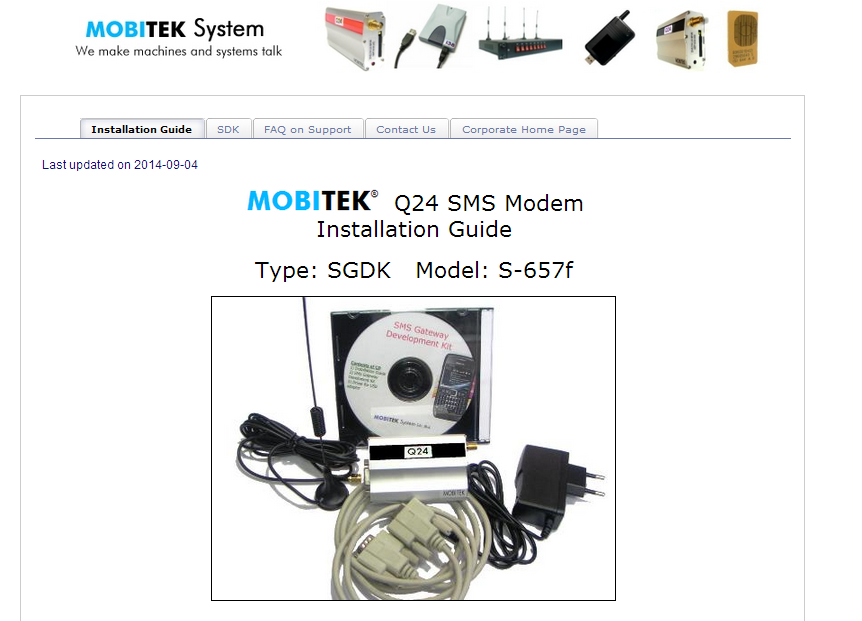
CD for MOBITEK Q24 SMS MODEM, Type SGDK, Model: S-657f
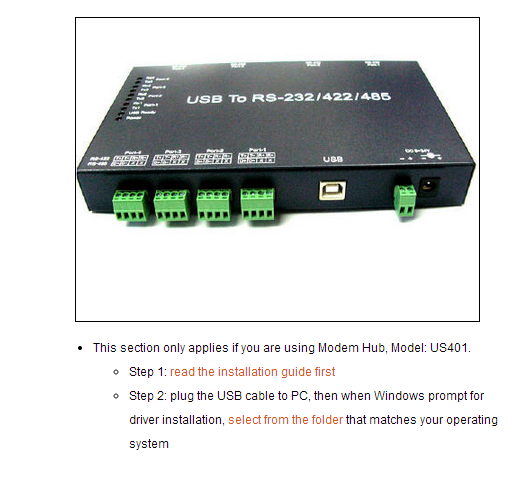
MOBITEK Q24-S-SGDK 29 CD-02
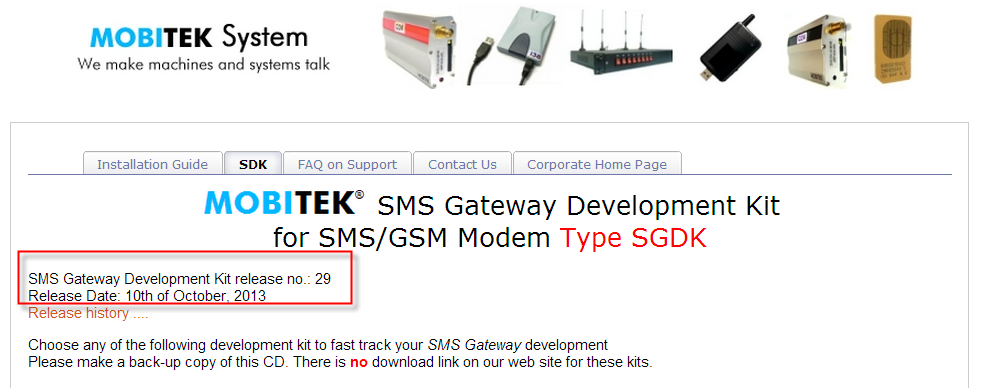
MOBITEK Q24-S-SGDK 29 CD-03
Files:-
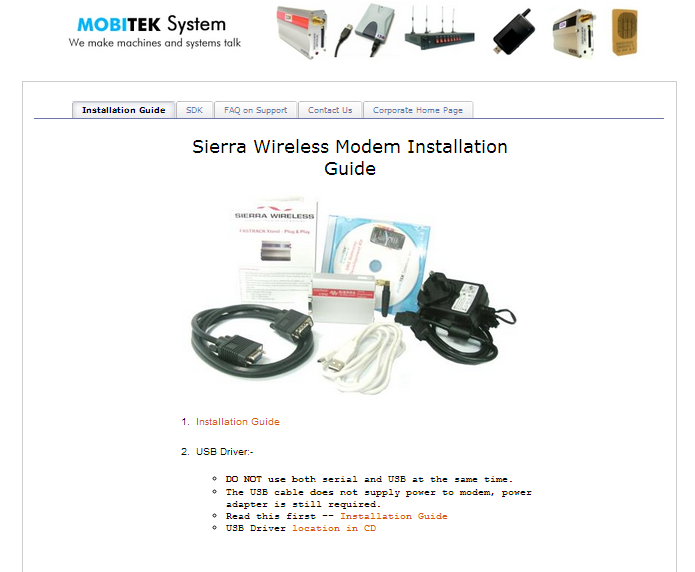
SMS Gateway Development Kit CD for Sierra Wireless FXT009
File:-
No, because in order to do so, you need to access to the USSD server which is owned by TELCO. TELCO does not allow any 3rd party to modify the USSD menu.
(source: Sales FAQ no. 248)
New function in Modem class:-
To get the Mobile Subscriber Integrated Services Digital Network Number (MSISDN). MSISDN is the telephone number of the SIM card in a mobile/cellular phone. MSISDN is stored in the SIM card. Some SIM card does not store it, and therefore will return empty string.
To get the International Mobile Subscriber Identify. IMSI is stored in the SIM card. IMSI is used for identifying the user of a cellular network and it is a unique number.
New function in USSD class:-
This function call will listen for USSD prompt from the network operator and capture it. While listening, no other funtions are allowed to be called, it will stop upon time-out (default is 3 seconds). If USSDListen() is not called, any USSD prompt is sent by network operator, then it will not be captured. If USSDListen() is called after USSD prompt is sent by network operator, then it will not be captured.
For more information, please refer to the manual for software developer …
Release Number: 29
Release Date: 10-Oct-2013
Description: MOITEK SMS API version 7.3 is finalised. No more new functions will be added.
Release Number: 28
Release Date: 1-Oct-2013
Description: MOITEK SMS API version 9 (beta) is added
Release Number: 27
Release Date: 1-Feb-2013
Description: Sample code in Java for SMS API version 7 is added
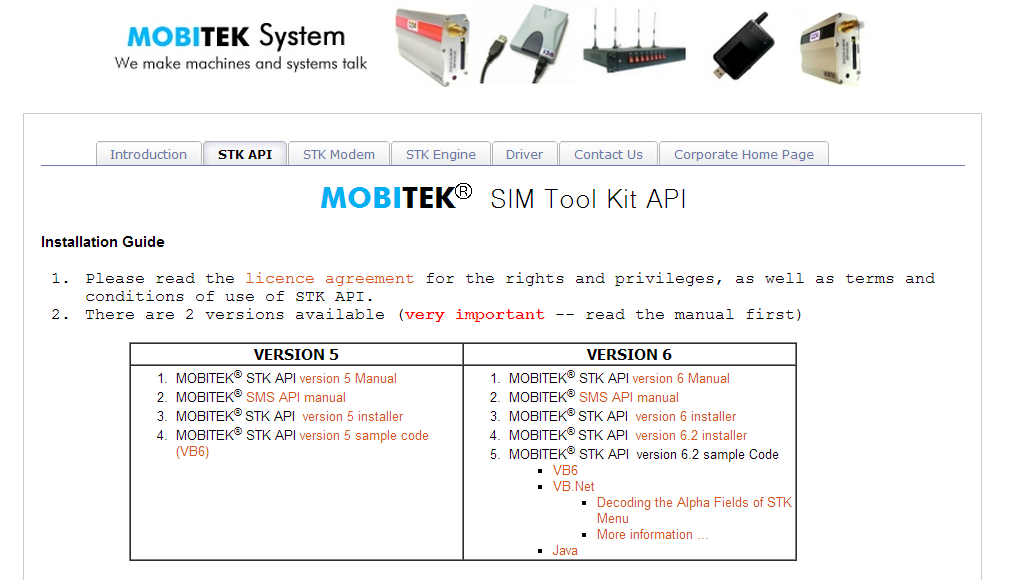
MOBITEK Air-Tim Realod Development Kit CD
File: MOBITEK Air-Time Reload Dev Kit_2014-08-22.iso
MOBITEK® STK ENGINE is a software or application that will automate the process of selecting the menu item in the SIM Application Toolkit (STK). It is especially develeped for the air-time reload proces.
The menu selection process is script/text based, in other words, no coding is needed.
MOBITEK® STK ENGINE will check for “ini” file in the “New” folder, process or execute the “ini” file.
MOBITEK® STK ENGINE is free with MOBITEK® Q24 STK MODEM.
|
EDITION |
ISSUED DATE |
REMARK |
|---|---|---|
|
1st |
15th of December, 2012 |
MOBITEK STK ENGINE version 4.1 (beta) released |
|
2nd |
26th of January, 2013 |
MOBITEK STK ENGINE version 4.2 (beta) released |
|
3rd |
4th of April, 2014 |
MOBITEK STK ENGINE version 4.3 (beta) released |
|
4th |
22nd of August, 2014 |
“APPENDIX 1 – DETAIL STEP BY STEP GUIDE” added |
Download user’s guide from here …